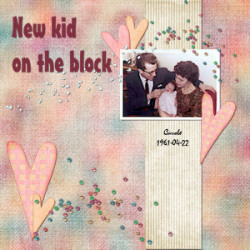
How to use Affinity Start telling your story TODAY with Affinity You can do it; just follow these easy steps.1- Download your copy of Affinity (it is completely FREE but you need at least a free Canva account). If you use Windows, select the Entreprise (Intel/AMD) so you get the .exe file.2- Install your Affinity on your computer3- Set up Affinity4- Play around with layers; they are the main foundation to create projects in Affinity5- Create your first scrapbook project Click on the preview to reach the project tutorials. Project #2 Project #3 Project #4 Project #5

 Start telling your story TODAY with Affinity